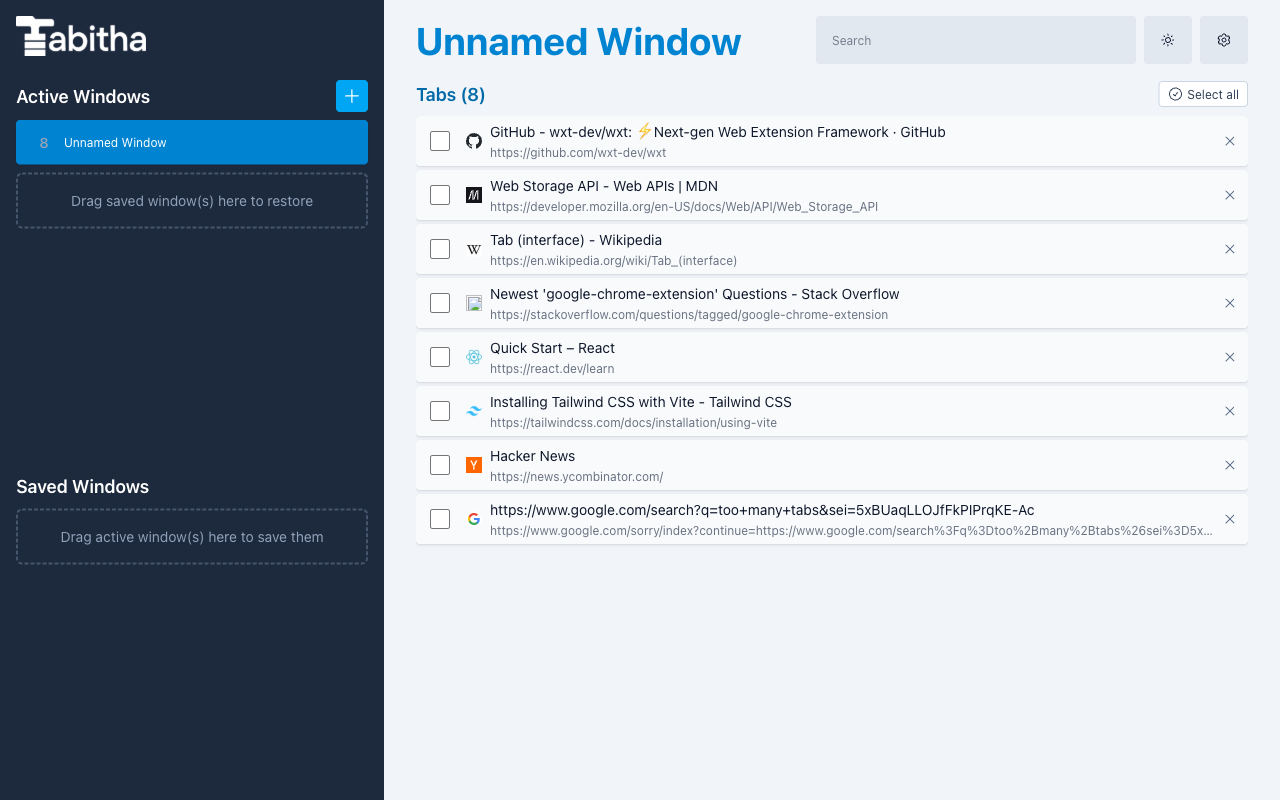
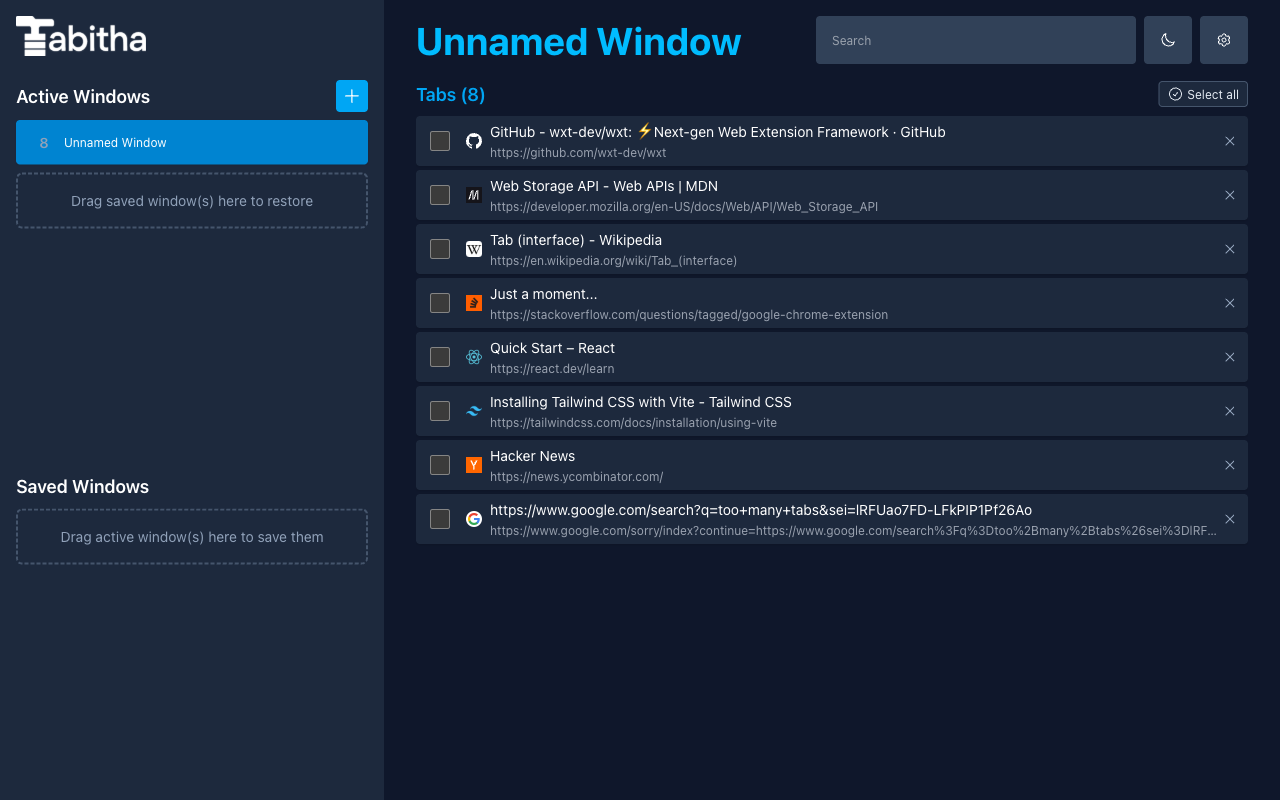
Every new tab opens Tabitha — save and reorganize whole windows, then summarize, group, and semantically search your tabs with optional AI — all stored locally on your own device.
Free core tab management • No account • Optional AI runs on your device or with your own Gemini key
Fast, drag-and-drop window management that works fully offline — no sign-in, no server, no waiting.
Stash entire windows for later and restore them with a click. Your tabs are waiting exactly where you left them.
Rearrange tabs and windows freely, and remove duplicate tabs across everything in a single click.
Tabitha keeps a rolling history of your open windows, so you can roll back to an earlier set of tabs anytime.
Export and re-import your data whenever you want. Your API key is never included in a backup.
Turn on AI features and choose where they run: on your own computer, where your pages never leave it, or on Google Gemini with your own API key. Nothing runs until you opt in.
Everything is stored locally on your device. There is no Tabitha server, no account system, and no analytics or tracking. AI features are strictly opt-in: run them on your own computer, or let your browser talk directly to Google using your own key. MCP access is opt-in too: AI apps you pair on your computer read your Saved Windows over localhost, never through us.
Free to install. Core tab management works with no account and no API key.
Tip: press Ctrl/Cmd + Shift + K to open Tabitha once installed.